
How an AI Chief of Staff Dashboard Can Help Your Business |
A practical way for Champaign-Urbana owners to organize priorities, track follow-ups and prepare clearer daily decisions |
For a Champaign-Urbana business owner, the working day can involve customer calls, staff questions, estimates, appointments and unfinished follow-ups. An AI chief of staff dashboard offers a practical way to bring those moving parts into one view and turn a scattered workload into a clear set of decisions.
Here, “chief of staff” describes a support workflow: organize approved business information, prepare a briefing, identify items needing attention and help the owner assign the next step. Its usefulness depends on the information connected to it and the rules established for its work.
Start with the decisions you make every morning
A useful dashboard could show new customer requests, estimates awaiting a reply, appointments for the day, overdue tasks and commitments coming up this week. Each entry should include an owner, a due date and a link to its underlying record.
The AI layer can help summarize those records in plain language. Microsoft's Power BI documentation describes report summaries and answers grounded in report data, with references that let users check the underlying visuals. That is an example of an available capability, not a guarantee that every dashboard includes it.
A morning briefing might ask: Which requests need a response? Which jobs are waiting on information? What changed since yesterday? The owner should be able to inspect the records behind each answer before acting.
Turn a follow-up into an assigned task
Consider an illustrative example: a local contractor records three estimate requests, one schedule change and a customer asking about an unfinished job. A configured dashboard could organize these by deadline and prepare a suggested follow-up list.
The owner could approve a task for the estimator, assign the schedule question to the office and review the unfinished-job record before calling the customer. The benefit comes from making responsibility visible, rather than leaving each item inside a separate inbox.
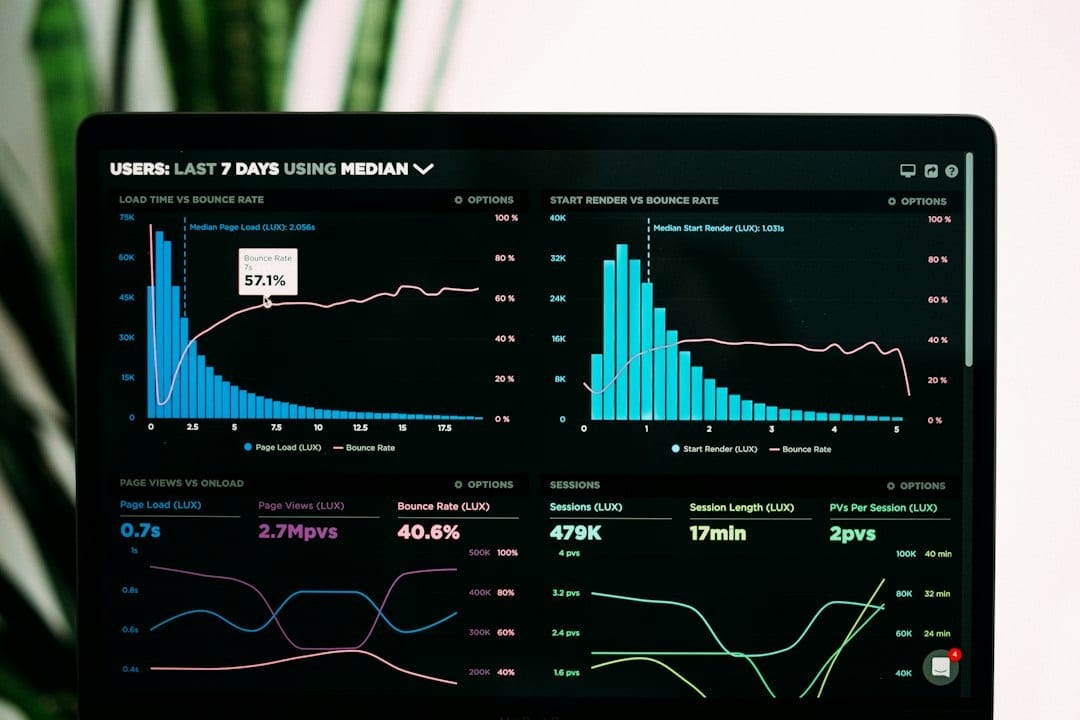
Photo by Lukas Blazek on Pexels. Illustrative stock photo; not a NuWay dashboard.
Drafting a reply and sending it are separate permissions. Set the system to prepare drafts for review initially, and specify which actions always require approval, including customer messages, schedule changes and purchases.
Keep the dashboard tied to reliable records
Begin with a small number of information sources, such as an approved customer list, task tracker and appointment calendar. Define what counts as a new lead, an open estimate and a completed task so everyone reads the same status consistently.
Display when information was last refreshed. If a calendar connection has failed or a record has no assigned person, the dashboard should say so clearly. An incomplete record should produce a question for the team rather than a confident guess.
AI features also have product requirements. Microsoft's report guidance provides details for its own tools; access, licensing and administrative settings should be checked before selecting a platform. Discuss the actual systems your business uses before assuming they can all connect.
Give people the access their work needs
Decide who can view customer details, financial records and staff information. Begin with the smallest useful set of permissions, and avoid copying confidential records into an unapproved tool simply to test a feature.
The NIST AI Risk Management Framework provides a reference for managing AI risks. In a small-business pilot, practical controls include a named reviewer, documented permissions, a record of actions and a clear process for correcting an inaccurate answer.
Keep calculations traceable to the source system or a defined formula. Ask the AI to explain a figure using that record, and check the amount yourself before using it in a customer conversation or management decision.
Test one workflow before adding more
Choose one recurring problem, such as estimates that do not receive a timely follow-up. Record the starting situation, agree on the desired action and test the dashboard with a limited set of approved information.
Measure whether tasks receive owners, replies happen when expected and records stay accurate. Also record the time spent reviewing and correcting output. Those checks help you judge whether the workflow is worth keeping.
Discuss your business needs with NuWay
Bring a list of your current tools, the task that repeatedly gets delayed and the information needed to resolve it. Start with a clear business problem, then discuss the dashboard and review process that could support it.
For further discussion about how AI and a chief of staff dashboard could help your business, contact NuWay at nuedcorp@gmail.com. |

0 Comments
Join the conversation
Be the first to comment
Share your thoughts above.