
AI Invoice Processing for Small Businesses in Champaign-Urbana |
A review-first workflow can extract invoice fields while staff check every amount and keep payment control |
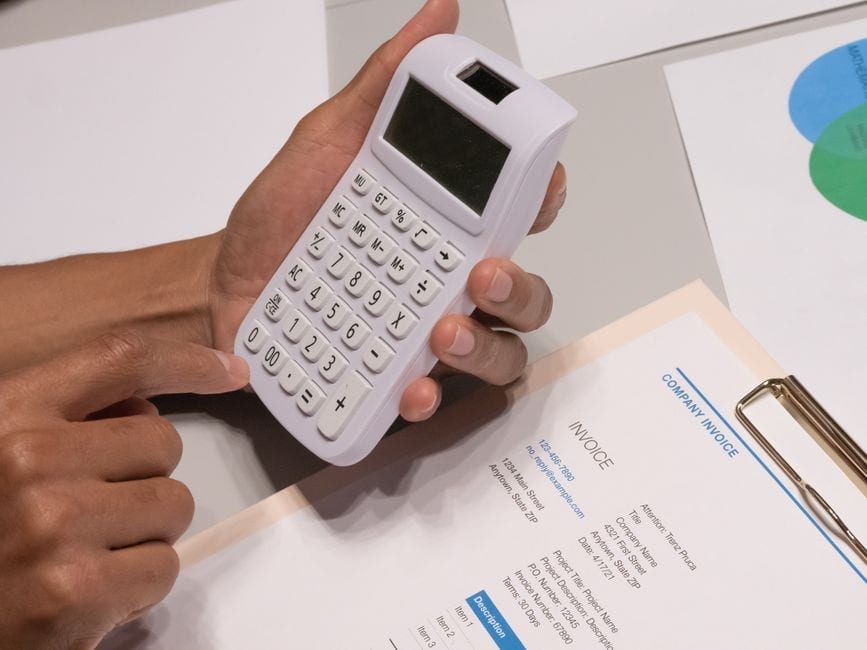
A practical use for local businesses
A small company in Champaign, Urbana or Rantoul may receive supplier invoices as PDFs, email attachments or paper scans.
AI can read those documents and prepare a draft row for a person to review before the bill enters bookkeeping.
The useful job is invoice intake, not accounting judgment, tax advice or payment approval.
A person must check every extracted value against the invoice and related purchase records.
This example explains a workflow, not a reported local business practice or result.
What invoice extraction can capture
Microsoft's AI Builder invoice model can identify common fields such as vendor, invoice number, invoice date, due date and amount due.
Its listed outputs also include purchase order references, tax amounts and line-item details such as quantity and unit price.
The model can return confidence information for fields when used through the documented Power Automate flow.
A confidence score is a review cue, not proof that a field is correct.
A damaged scan, unusual layout, small print or handwritten note can change what the system reads.
The source document remains the record staff must use to settle uncertainty.
Build a staging step before bookkeeping
Start with one supplier category and a small set of recent invoices that the business is allowed to process.
Ask the administrator which approved tools may receive invoice files and which employees may open the resulting records.
Keep the original invoice in its normal records system instead of replacing it with extracted text.
The draft table can hold vendor name, invoice number, invoice date, due date and total.
It can also hold purchase order number, line descriptions, tax, file name and a reviewer status.
A separate field should point back to the original file so a reviewer can reopen it quickly.
Do not send invoices to an unapproved public chatbot or personal account.
Invoices may reveal supplier terms, business addresses, account details or information about a customer order.
Use only the minimum fields needed for the task and follow the company's retention rules.
Set checks that make errors visible
Before a person opens a queue, the workflow can mark missing invoice numbers or unreadable dates for attention.
It can flag two records with the same vendor and invoice number for a duplicate check.
It can compare the extracted purchase order reference with the order number supplied by the buyer.
A calculation can test whether the line amounts, tax and total appear to reconcile.
That arithmetic check can find a mismatch, but it cannot confirm that the goods arrived or the price was agreed.
Staff should compare quantities and descriptions with the purchase order and receiving record.
They should also inspect discounts, tax treatment, payment terms and the due date.
Any field that differs from the source document needs correction before posting.
The process should leave a record of who reviewed the draft and when.
A clearly hypothetical Urbana example
Suppose a fictional Urbana repair shop receives a PDF invoice for replacement parts.
The model extracts a vendor name, invoice number, date, due date, item lines and total into a draft row.
A clerk checks the row against the PDF, purchase order and receiving note before entering anything in the books.
If the line sum does not match the total, the clerk pauses and asks the supplier or manager to resolve it.
This fictional example does not describe a local shop, customer experience or measured result.
It shows where software can prepare information and where a person remains responsible.
Keep the original records and review each field
The Internal Revenue Service says invoices and other supporting documents help substantiate business entries.
It notes that a combination of documents may be needed to support all parts of a purchase or expense.
That is why a generated table should point to the invoice, payment evidence and related records.
It should not become the only copy of a bill or the authority for a tax entry.
A manager can define which fields require a second review, such as a changed bank instruction or unusually large total.
Any request to update payment details should be confirmed through a known contact channel.
AI cannot establish that a supplier email or payment instruction is genuine merely by reading the text.
Protect information and assign responsibility
The NIST Generative AI Profile gives organizations a risk-management frame for privacy, oversight and documented controls.
A small firm can reduce risk by defining these rules before anyone uploads an invoice.
For invoice intake, a written rule can name the approved tool, permitted files and responsible reviewer.
It can also say what happens when the tool is unavailable or a field cannot be read.
Staff should know that a failed extraction is a reason to use the ordinary manual process.
Keep access limited to employees who already handle the related invoices.
Avoid keeping extra copies in personal folders, shared links or chat histories.
Ask an accountant or qualified adviser how the proposed records process fits the company's accounting requirements.
Test a small workflow before expanding
Choose a short review period and compare the draft rows with the source invoices.
Record how often a field needs correction, how many duplicate flags prove useful and where the process misses information.
Measure staff review time beside the existing method instead of assuming an efficiency gain.
Do not treat an extracted invoice as a booked expense or a paid bill.
If errors are frequent or sensitive data cannot be handled safely, stop and return to manual entry.
If the trial is dependable, document the steps and train every reviewer before adding suppliers.
Keep payment decisions with people
For local firms, AI invoice processing can reduce repetitive copying by preparing a review-ready record.
The business still verifies every field, confirms the underlying purchase and approves any payment.
That division keeps the original evidence in view and leaves financial responsibility with staff. |
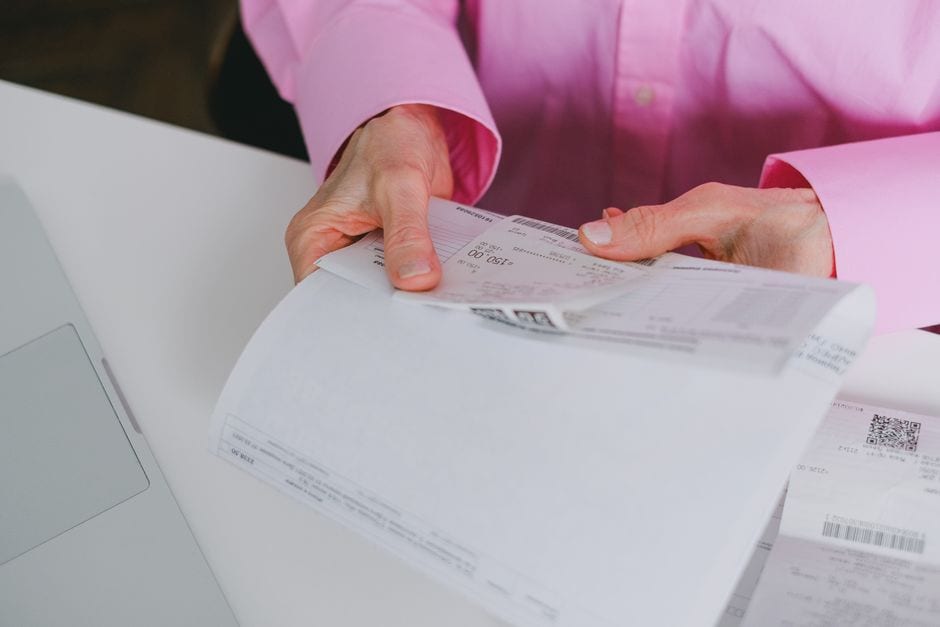 Illustrative stock photo of organized receipts, not a Champaign-Urbana business. Photo by SHVETS production on Pexels |
0 Comments
Join the conversation
Be the first to comment
Share your thoughts above.